




For a business to grow, it needs an online presence, and a large part of that is your website. The same is true for rental companies, as customers expect to browse availability and accept online bookings instantly.
The goal when you create a rental website is not just to showcase your products, but to offer a seamless booking experience from start to finish. Customers should be able to find what they need, select dates, and complete their booking in minutes. Even better, your website can continue to accept bookings and payments while you sleep, helping you generate revenue around the clock.
If you rely only on phone calls and emails, you could be leaving bookings on the table. A professional rental website gives customers a faster, more convenient way to discover your products and accept online bookings 24/7.
In this guide, we’ll show you three easy ways to get started using a rental website builder and booking tools from Booqable.
The first, is our online booking page. This is a hosted page by Booqable where customers can view availability and place bookings. This is best if you want something live quickly, a “Rentals” or “Book now” link on an existing website, for example.
Second, we have our built-in Booqable website builder, so you can create a full website within your account, including product listings and online booking. This is best if you don’t have a website yet and want an all-in-one solution.
Lastly, you can choose a website integration. Booqable provides booking components (like product lists or checkout) that can be added to your existing website. This is best if you already have a site and want to integrate booking into it.
What should a rental website include?
To successfully create a rental website that can accept online bookings, you need more than just a standard website. A strong website builder for rental businesses should include the following essential features:
Date picker
A date picker is critical for any rental website. It allows customers to select their rental period for their booking, and is the foundation for being able to accept bookings online.
Rental products
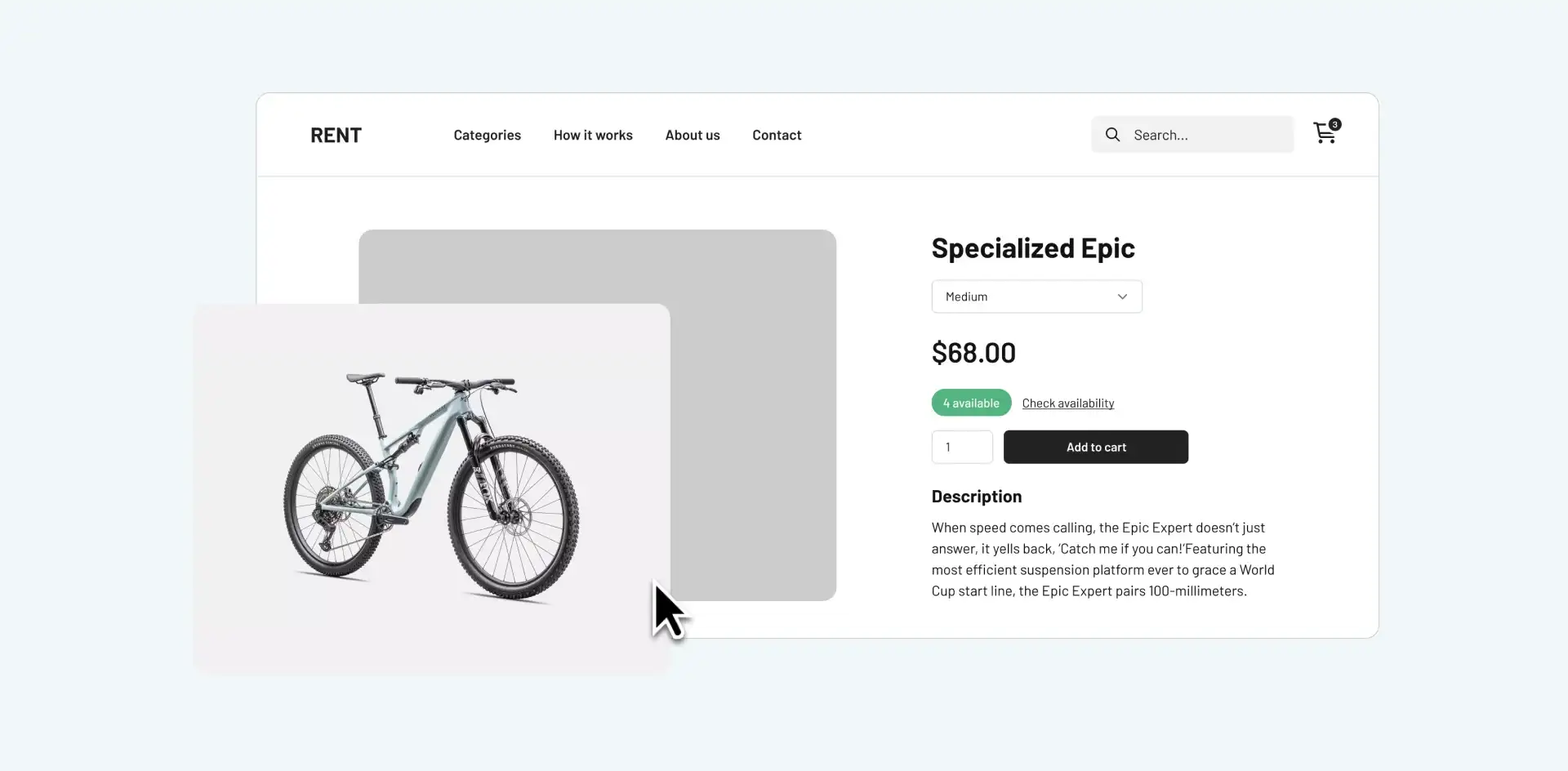
Your website should clearly showcase your rental inventory with images, descriptions, and pricing. This helps customers understand what’s available and makes it easy to browse and book items.
Collections
Organizing products into collections, such as categories, makes your website easier to navigate, especially for larger inventories. This improves the user experience and helps customers find what they need faster.
Pricing
Rental pricing should adapt to different durations such as hourly, daily, or weekly. A good rental website builder ensures pricing updates automatically when customers select dates.
Online payments
Connecting online payments allows you to charge customers at checkout, making it easy to get paid instantly. This is essential for running a modern rental business and enables you to generate revenue even outside business hours.
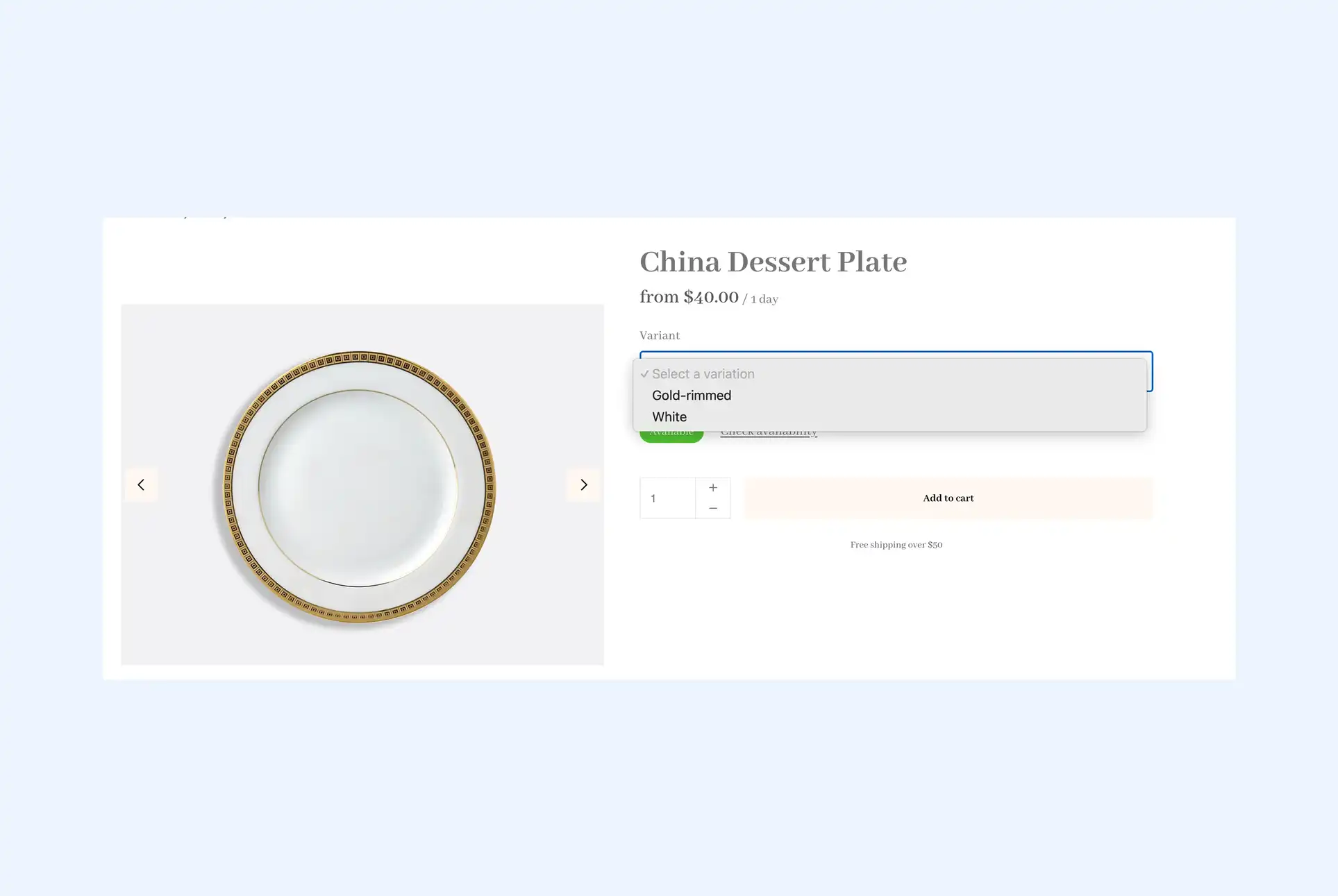
Bundles and variations (optional)
Bundles allow you to group products together, while variations such as sizes or colors give customers more options. These features can increase order value and simplify the booking process.
Live availability (optional)
Displaying live availability shows customers exactly what is in stock for their selected dates. This reduces manual inquiries and builds trust in your rental business.
Filtered search bar
A filtered search bar helps customers quickly find the right products based on categories, availability, or other criteria. This is especially useful for larger inventories and improves the overall booking experience.
3 methods to create a rental website
Now let’s explore the three best ways to create a rental website with Booqable. These options are ordered from fastest to most customizable.
Booking page (the fastest way to get started)
The quickest way to accept online bookings is by creating a dedicated booking page. This acts as a ready to use rental storefront that you can share anywhere.
Step-by-step:
Your booking page is automatically created from the products you add to your Booqable account. There is no setup required. Simply add your products, press “set live,” and link the page from your existing website or share it directly with customers. The booking flow and checkout are still fully customizable, as well as the colours and branding of the webpage.
How to use it:
-
Link it from your website navigation
-
Share it on social media
-
Use it as a standalone rental storefront
Benefits:
-
Fastest way to get online rentals live
-
No technical setup required
-
Start accepting bookings immediately
Website integration (for existing websites)
If you already have a website, you can embed rental functionality directly into it. This allows you to create a smooth booking experience while keeping your current design.
Booqable integrates with almost any website, including platforms like:
-
WordPress
-
Shopify
-
Squarespace
-
Lovable
-
Custom-built websites
Step-by-step:
-
Copy embed codes from your Booqable account
-
Add them to your website, including product lists, calendars, and checkout
-
Follow our tutorial videos for step-by-step guidance on integrating with your specific platform
You can also connect a custom domain to ensure a consistent and professional experience for your customers.
Benefits:
-
Full rental experience inside your existing website
-
Works with all major website platforms
-
Flexible and scalable for growing businesses
This is ideal if you want to accept bookings without rebuilding your entire site.
Rental website builder (all-in-one solution)
If you want a complete solution, Booqable offers a dedicated rental website builder designed specifically for rental businesses.
Step-by-step:
-
Choose from more than 50 themes tailored to different industries and inventory sizes
-
Customize your design with a drag and drop editor
-
Add products and publish your site
Benefits:
-
Built specifically as a website builder for rental businesses
-
Fully integrated with inventory and bookings
-
Professional, mobile friendly templates
-
No coding required
-
Can apply a custom domain
This is the best option if you want to create a rental website from scratch with everything built in.
From website to revenue engine
Once your rental website is live, you can continue to grow by investing in SEO and marketing to improve your visibility in search engines, run ads, and share your booking page across social media to drive traffic.
In today’s digital landscape, having the ability to accept online bookings is no longer optional. Customers expect speed, convenience, and instant confirmation. A well-built rental website not only meets those expectations but also helps you automate your business and generate bookings and payments around the clock.