What’s new - Booqable

Free 14-day trial

From 29/month

20% off yearly plans

4.8 - 1,000+ reviews

What’s new

Updates, releases and new features!

🎊
August 19, 2026

What's New: Cart coupon variables added to email variables and more improvements

New cart coupon variables have been added so coupon information can now be included in the Webshop confirmation email.

Coupon variables.webp

Add coupon details to your Webshop confirmation emails and show customers exactly how much they saved with each discount code. These new variables include:

  • {{cart.couponCode}}

  • {{cart.couponPercentage}}

  • {{cart.couponDiscount}}

  • {{cart.couponValue}}

Read How to use variables to populate email templates for instructions on how to use email variables.

Other fixes and improvements

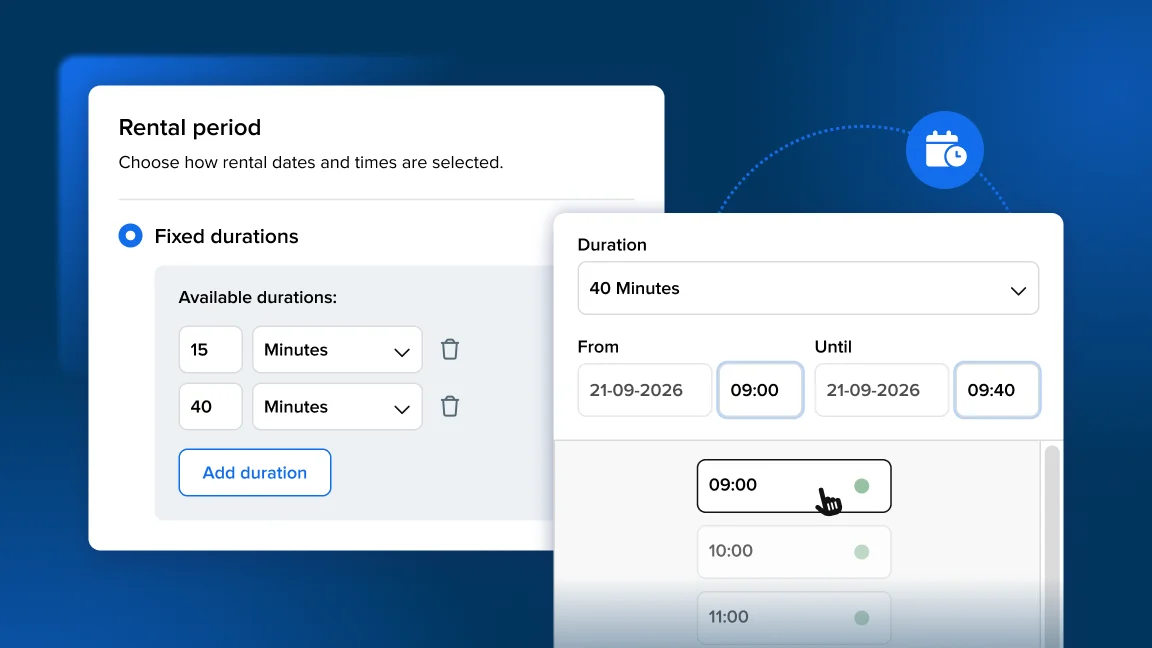
New period picker

  • Added a feedback modal to the new date picker. You can rate the picker by clicking on thumbs up or thumbs down, as well as leave a comment afterwards.

  • Fixed the date picker closing the rental period too soon when using dates and times and selecting a new end date. The period now stays in progress until the customer selects the end time.

  • Clicking the same start date a second time no longer prevents the automatic end-date calculation for fixed durations.

  • Previously when using fixed durations, once the start date was clicked from the order screen, hovering over other dates didn’t preview the resulting rental period. The fixed-duration hover preview now shows on the calendar again.

Inventory

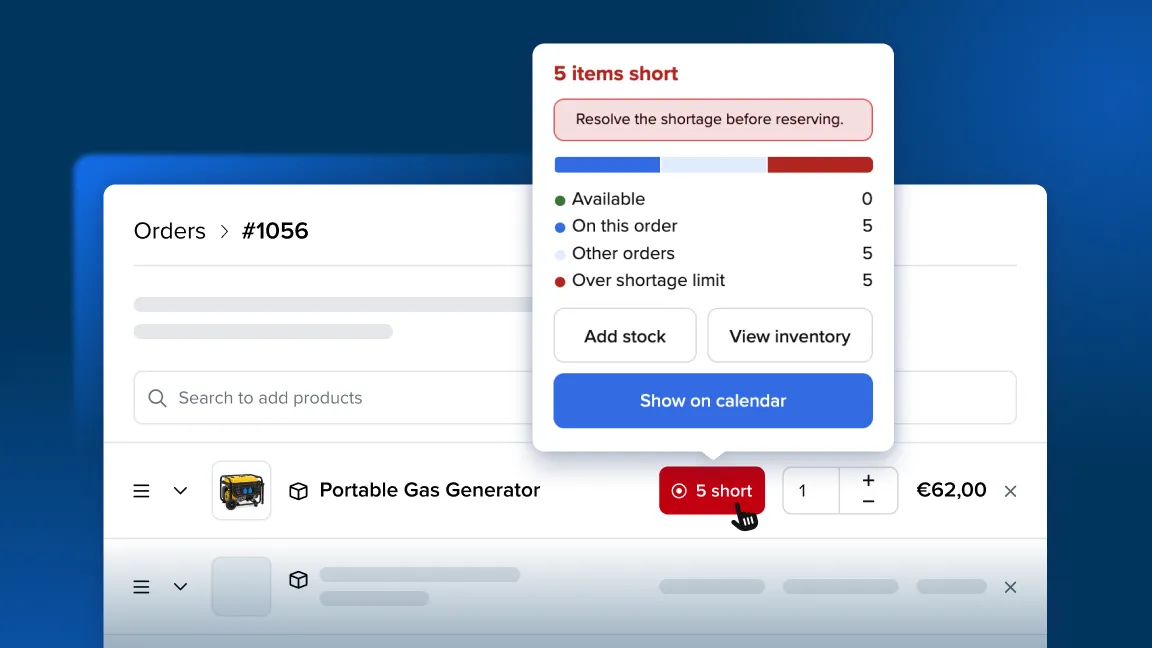
  • Reducing a product’s stock (by setting an end date on a stock item) used to show a conflict list that included bookings which weren’t actually affected. It now lists only the bookings that would genuinely run short.

  • When adding stock, you can no longer set a stock item’s end (“Available until”) date earlier than its start (“Available from”) date — the form prevents that invalid range.

Online store

  • The cart now matches the availability calendar and applies business hours to display consistent availability.

  • If a store’s Stripe account had no payment methods enabled, some customers would receive a “Failed payment” error which was unclear. A clear error message is now shown and an email is also sent to the business owner explaining “No payment methods available.”

Website builder

  • Fixed an issue where images couldn’t be added from Unsplash in the image picker. Now you can reliably add stock images from Unsplash to your website using Booqable’s website builder.

Documents

  • On PDFs with no tax applied, the redundant “Total excl. taxes” line is now hidden.

  • Long revised invoices could show only part of the order. This was fixed so all relevant information is re-included in the revised invoice and will show the full set of products.

E-signatures

  • Confirming signed contracts now has a timeout and automatic retries so it completes promptly and staff can more efficiently process contracts consecutively.

  • Contract e-signatures could fail to save (the “Sign & Confirm” button getting stuck loading or showing a red warning), so we added a notification when a document is already being signed.

Integrations

  • The Zapier “Completed Payment” trigger was fixed and includes customer data again including customer email.

Try Booqable for free

Get full access for 14 days and see how easy managing rentals can be.

Choose your language

  • Flag icon English
  • Flag icon Deutsch
  • Flag icon Español
  • Flag icon Français
  • Flag icon Nederlands
  • Flag icon Português