Are you renting out products from multiple locations? Or need to manage inventory across your warehouse and your store? Now you can set up Locations in Booqable to track your inventory across locations such as rental stores, warehouses, pickup points, or any other place where you manage or stock inventory.
Note: Locations is currently in open beta. The final release will be available in our Pro and Premium plans.
Introducing Locations and Clusters 🏬
The new Locations feature is flexible, easy-to-use, and ensures your inventory availability is always accurate across your locations for both online and offline orders.

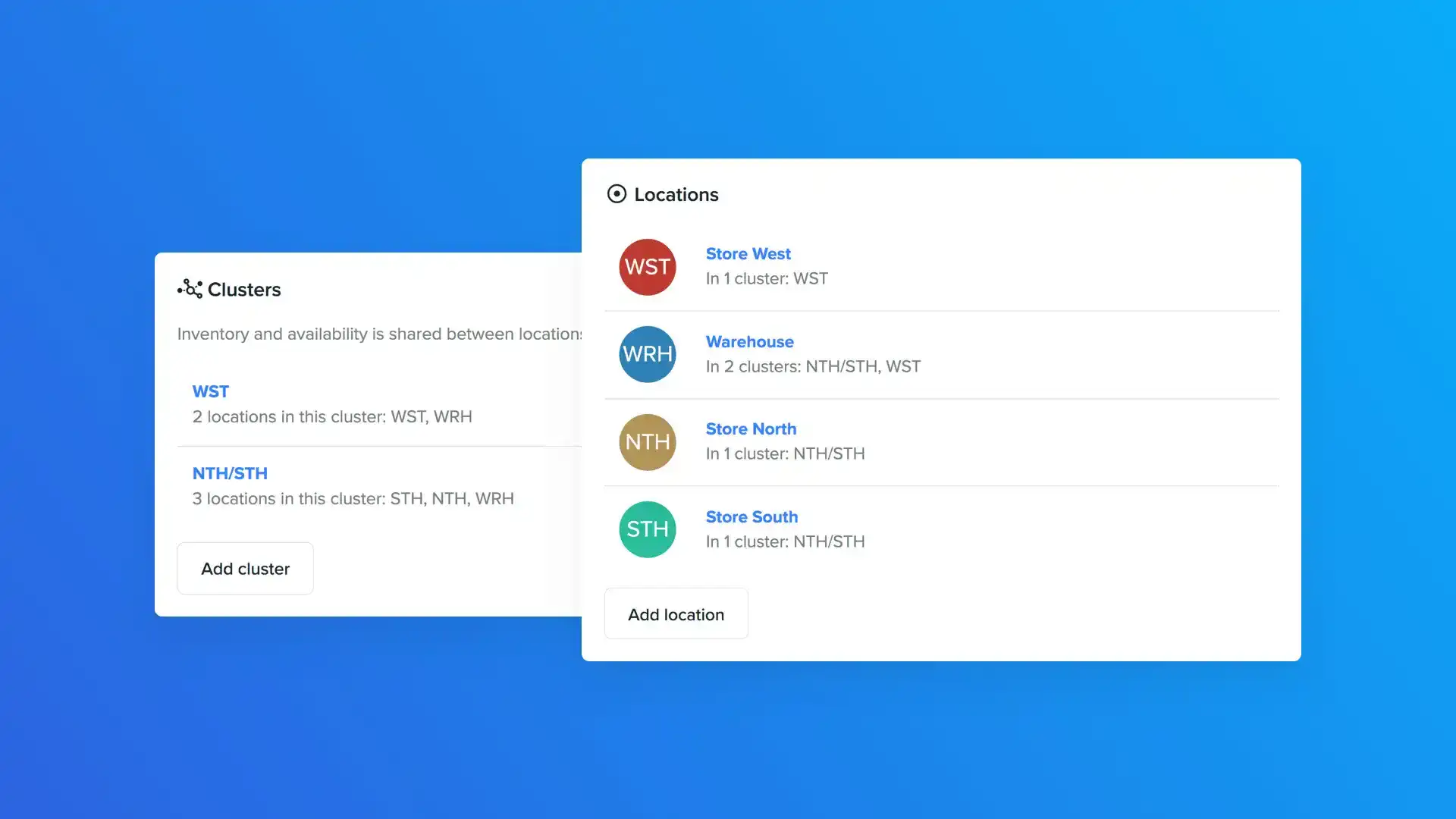
If locations share the same pool of inventory, you can add them to a Cluster. Clusters consist of two or more locations that share the same stock and availability. It’s a powerful way to manage inventory across locations and maximize the utilization of your assets.

What makes clusters so powerful? Because you decide whether customers can pick up and return items from a location. That means you can share inventory between a store and a warehouse, or restrict customers from selecting your warehouse as a pickup location.
Still, these are just two ways to use the new feature. We purposely made multi-locations as flexible as possible to support the needs of a wide range of business types and operations.
New date and location picker 🗓
Let’s look at manual orders and online bookings now that we understand more about locations and clusters.
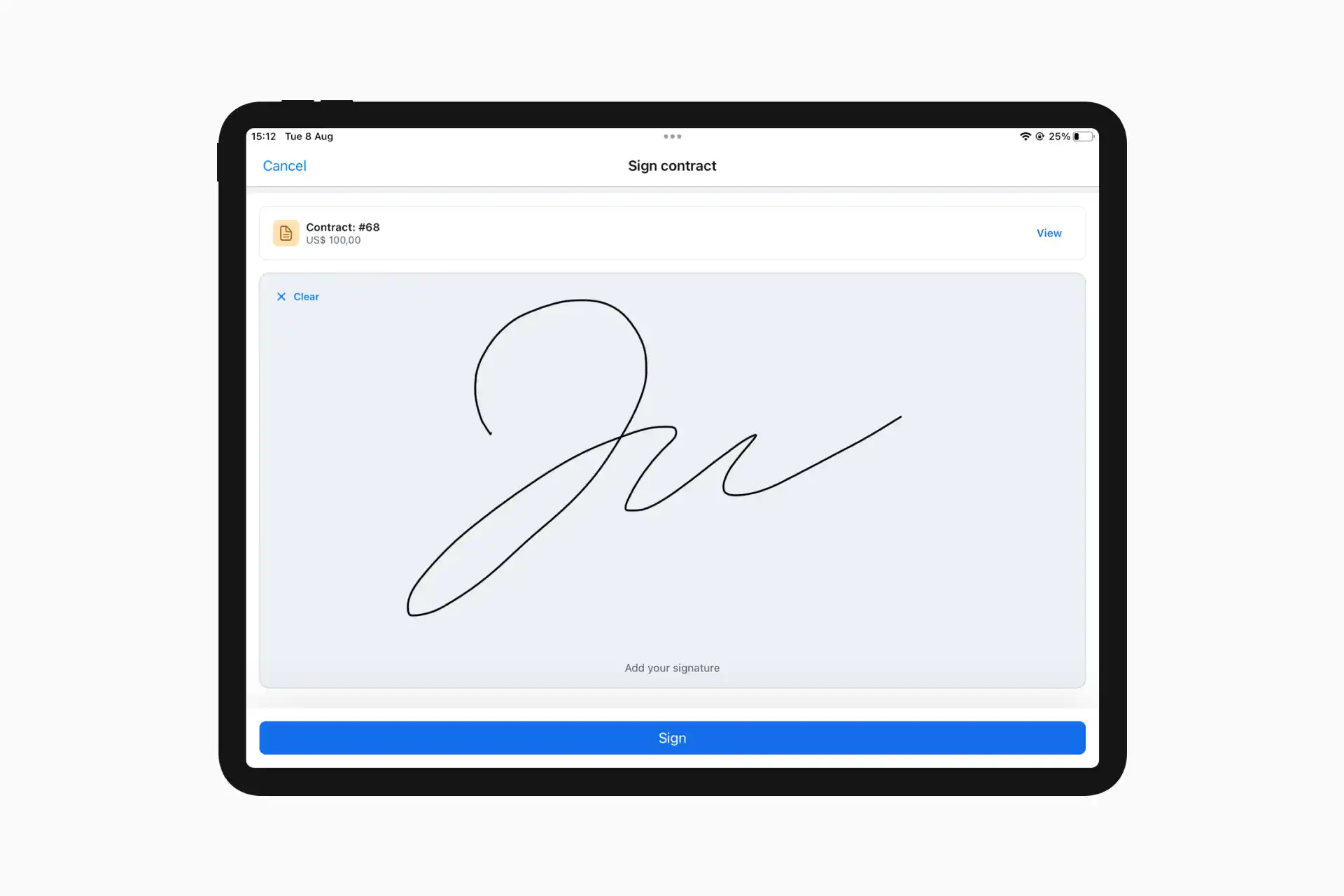
In addition to the date and time, you can now specify the pickup and return location when creating orders. We improved the date picker to make this process easy and intuitive.

Once you’ve selected the rental period and pickup/return locations, Booqable’s stock indicators show the available quantities for those locations (and the clusters they’re in).

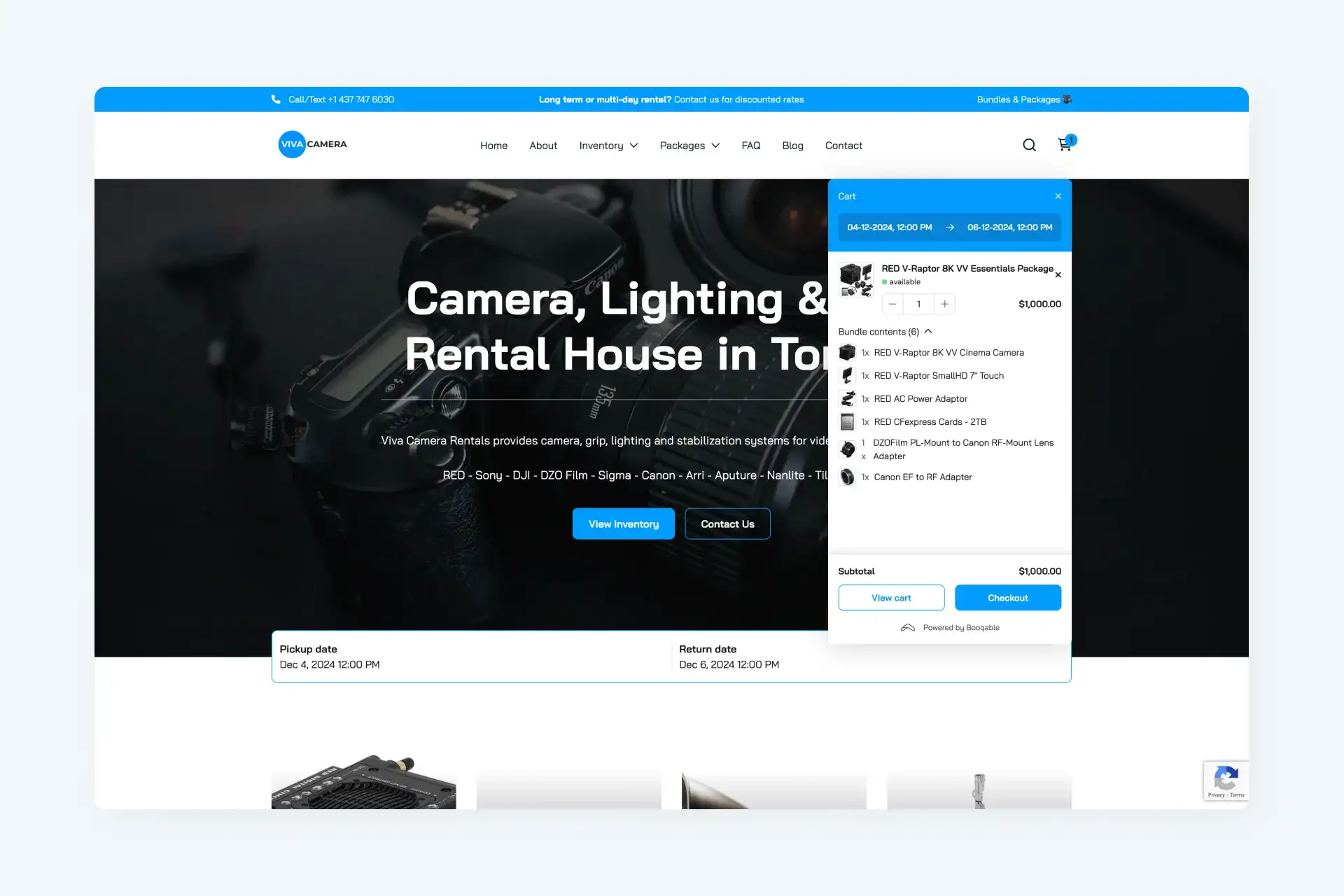
The date picker in the only store is also updated to support multiple locations. With more than one location set up, your customers will need to select the date, time, and pickup/return location for their booking.

With real-time availability enabled, Booqable displays availability for the selected pickup location. If the location is in a cluster, the shared availability of all locations within the cluster is displayed. Be mindful of your settings as they affect inventory availability for online bookings.
Note: Clusters can increase the number of bookings you can take as you can transfer inventory from one location to another.
Transfering stock between locations 🚚
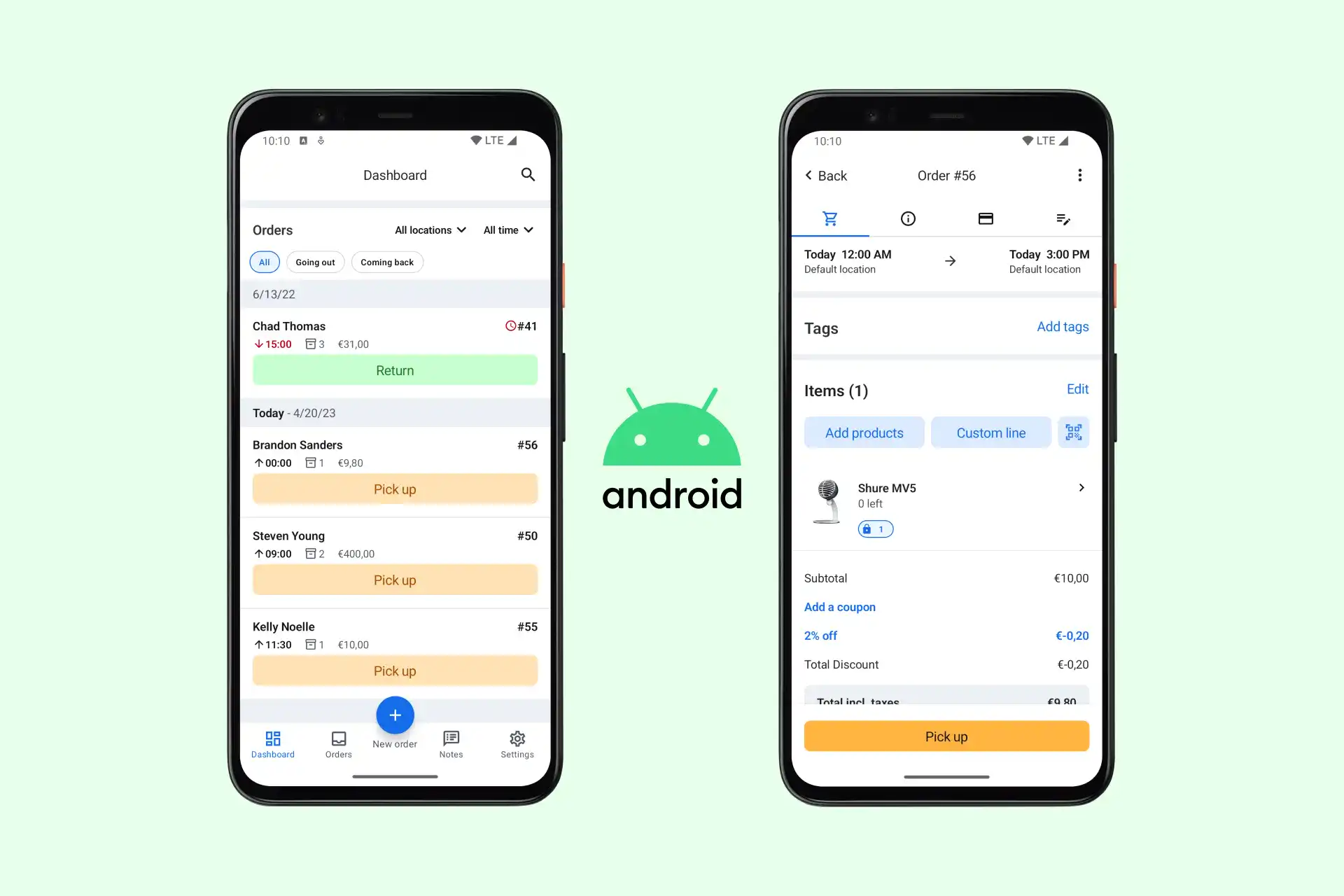
When you’re using clusters, you might run into situations where there’s a shortage in one location and enough stock at another. That’s when Booqable creates a stock transfer. The Transfers section gives you an overview of all your sources and destinations to help you arrange transport and solve shortages more efficiently.

Availability report
In addition to the existing performance report, you can now generate an Availability report to see inventory availability and shortages per location for any given period. This data can help you arrange transport and keep track of shortages in general.

How are you going to use locations?
We’re excited to release such a significant update to Booqable’s core functionality and would love to hear your thoughts! How are you going to use the new feature? As always, don’t hesitate to contact support if you have any questions or feedback.