Accept Tap to Pay on Android with the Booqable app
Turn your Android phone into a mobile Point of Sale. Take payments in-store, on delivery, or anywhere else with Tap to Pay.
Free 14-day trial, No obligations, no credit card required.



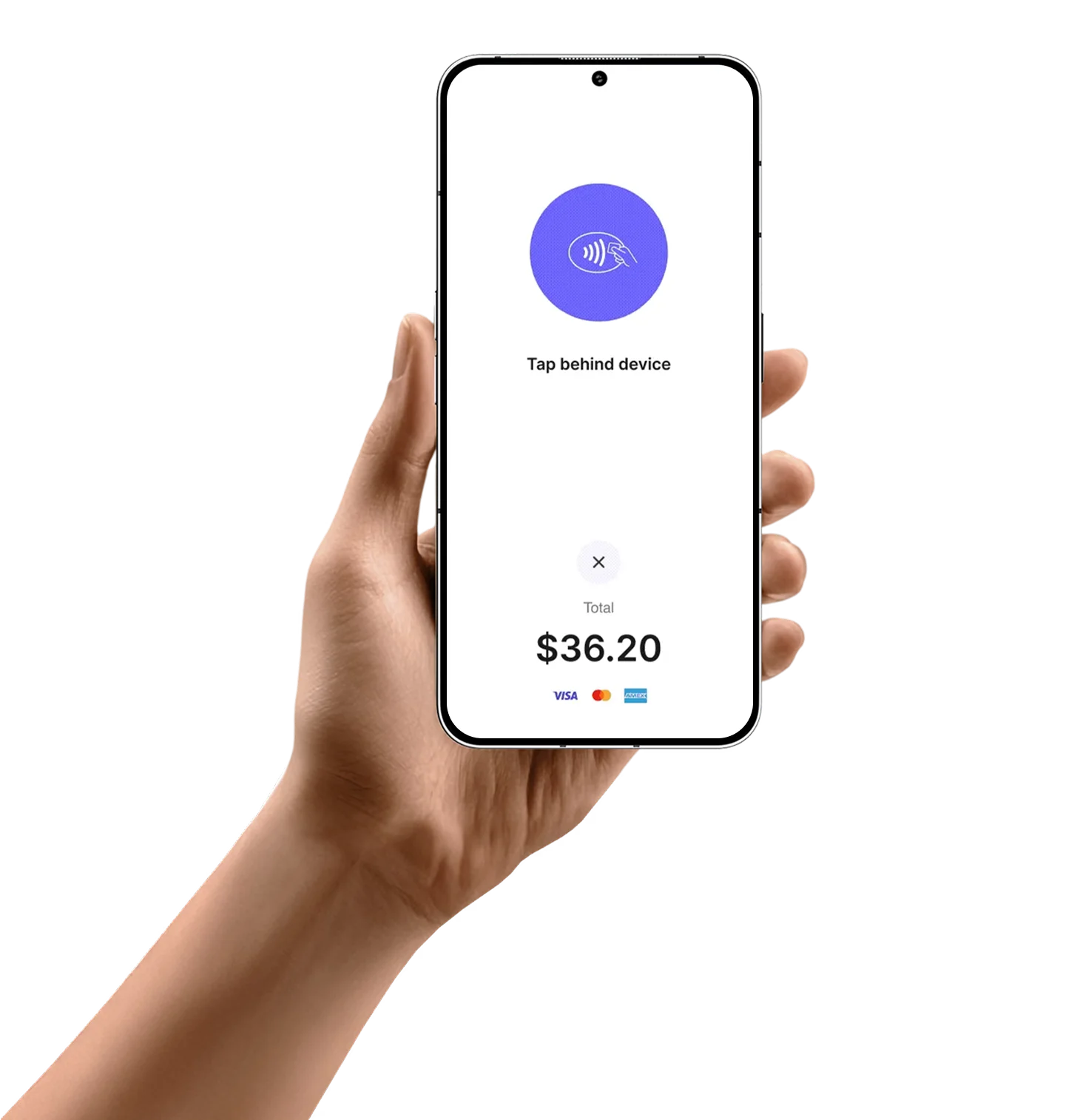
All you need is your Android phone
Accept Tap to Pay with Android anywhere, anytime, without extra hardware.
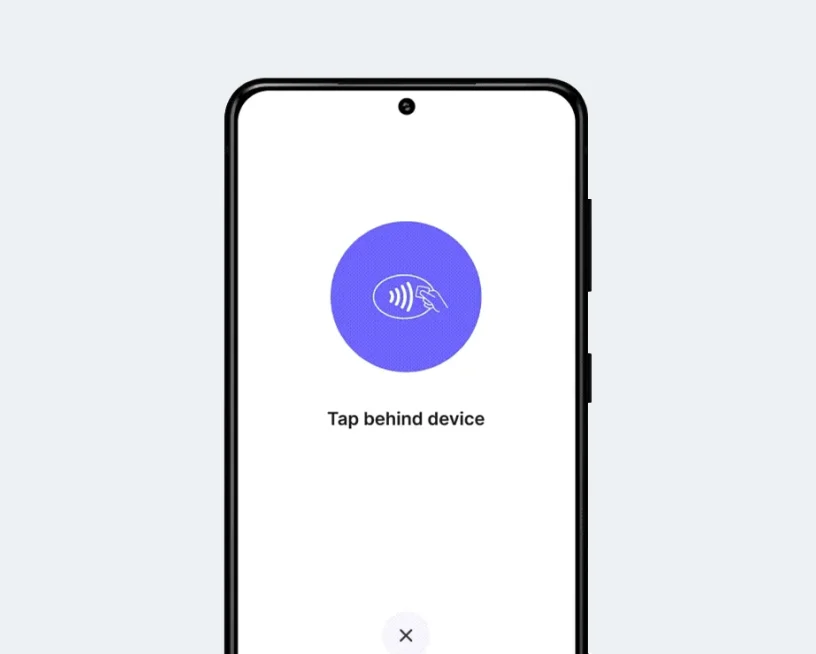
No additional hardware
Use your Android phone to accept Tap to Pay from contactless cards and digital wallets.
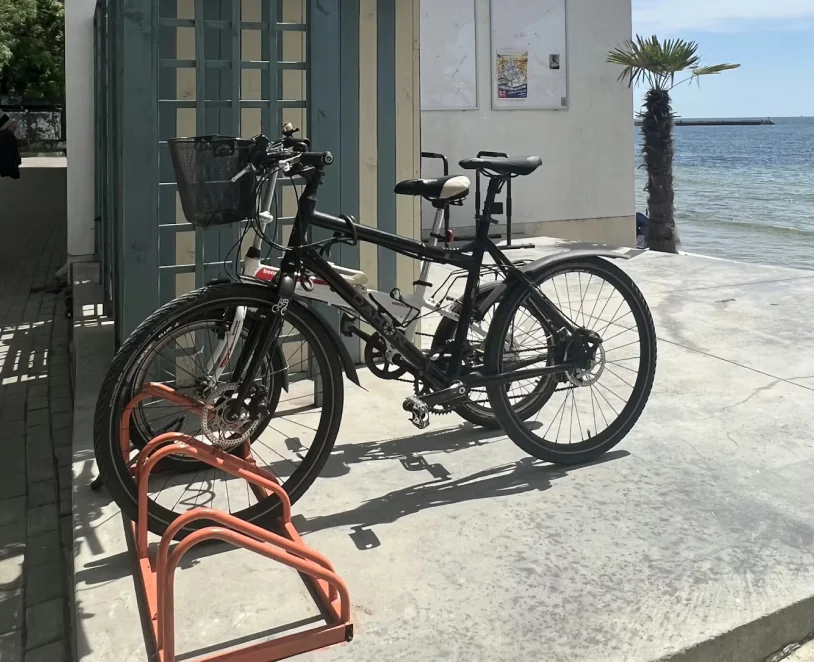
Get paid where rentals happen
Accept contactless payments in-store, at pickup, on delivery, or anywhere else.
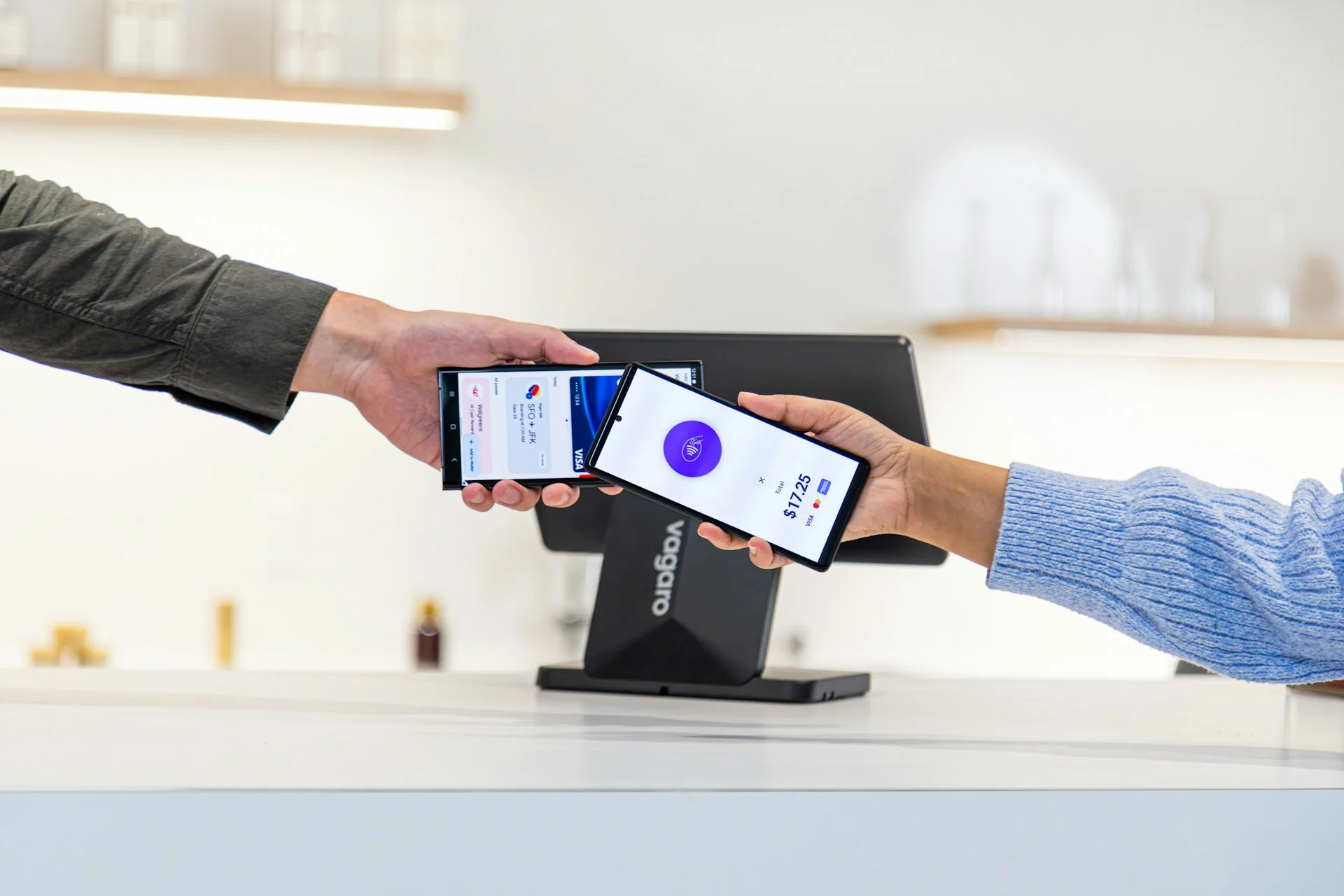
Built with security in mind
Uses industry-standard security to help protect your business and customer data.
Get started in just a few simple steps
Start accepting payments on your Android phone in minutes.
Step 1
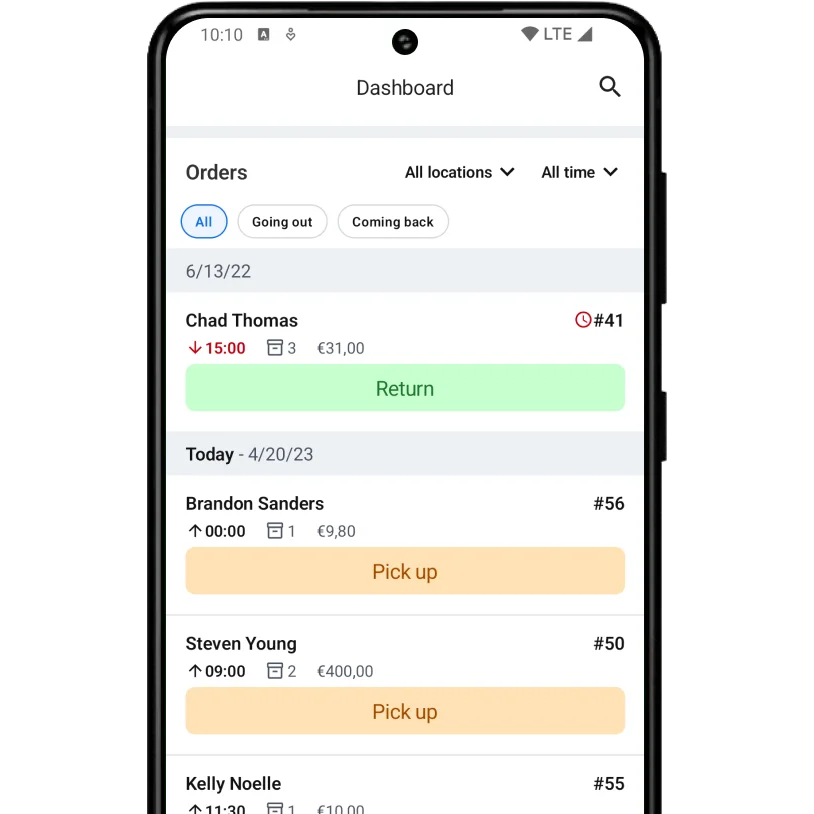
Open an order
Open the Booqable mobile app and select the order you want to charge.
Step 2
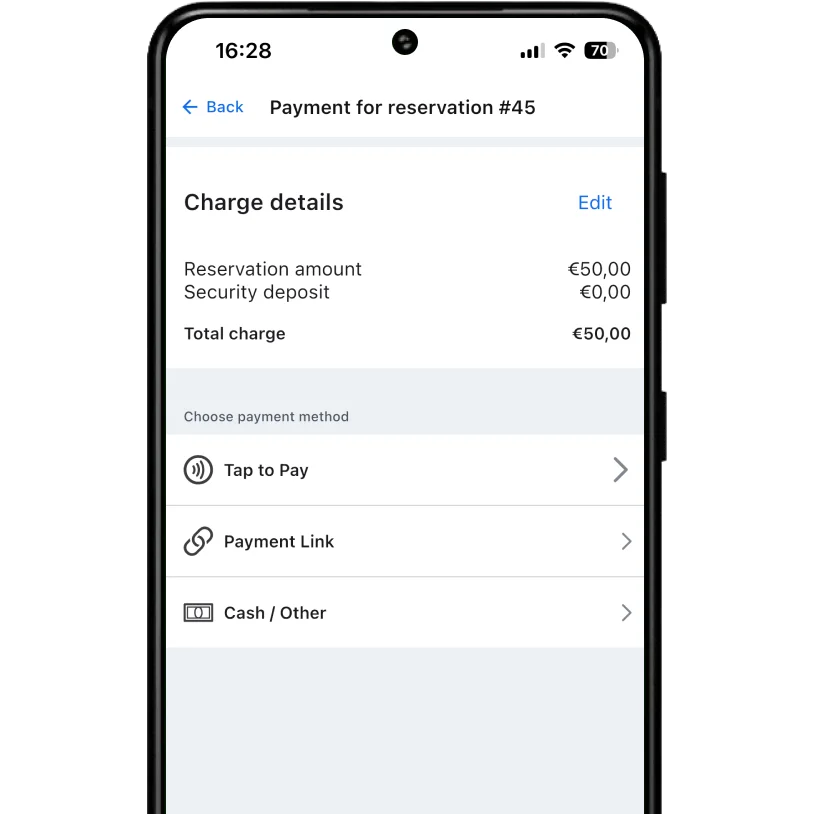
Choose Tap to Pay
Tap Pay and select Tap to Pay as the payment method.
Step 3
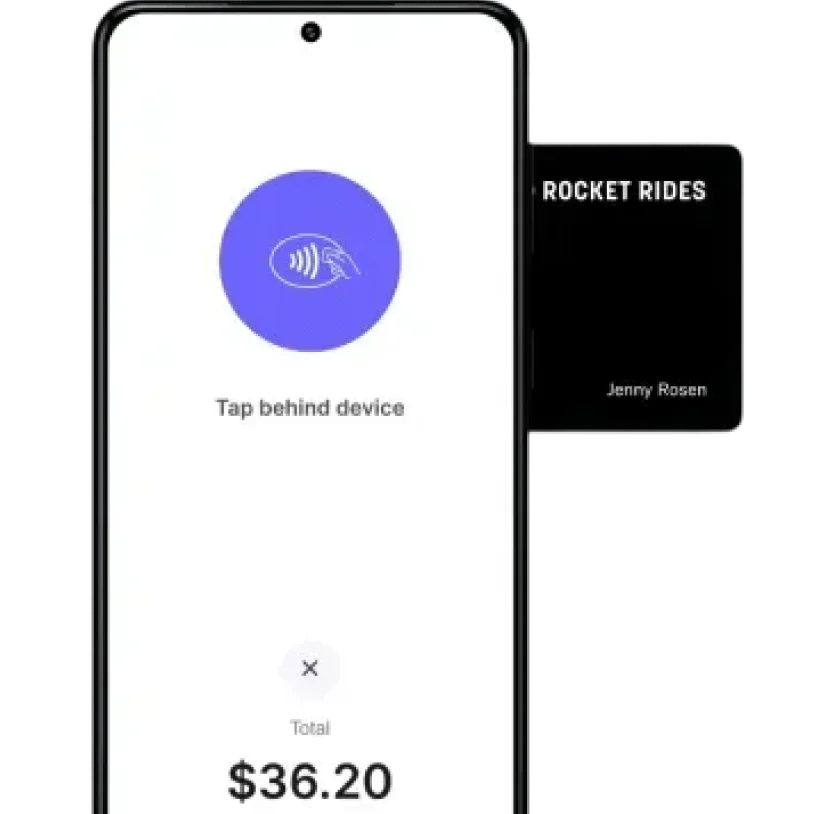
Present to the customer
Hold out your Android phone so the customer can tap their card or wallet.
Step 4
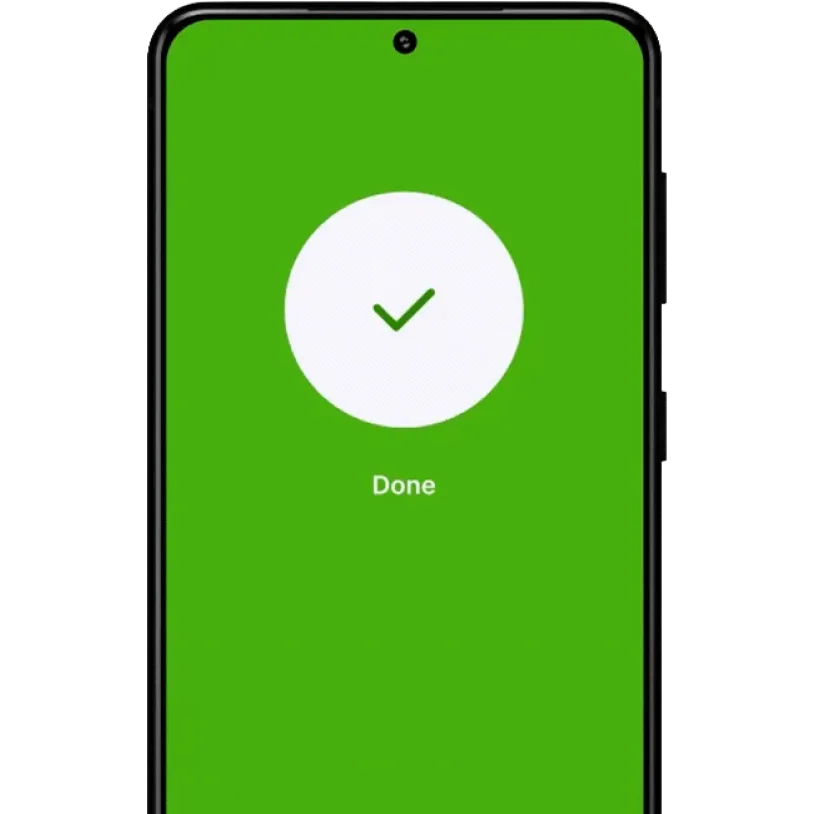
Get paid instantly
The payment is confirmed and marked as paid in Booqable.

Let customers pay quickly with Tap to Pay on Android
Accept payments fast and securely using contactless cards and digital wallets.


Frequently asked questions
Try Booqable for free
Get full access for 14 days and see how easy managing rentals can be.
- Free 14-day trial
- No credit card required